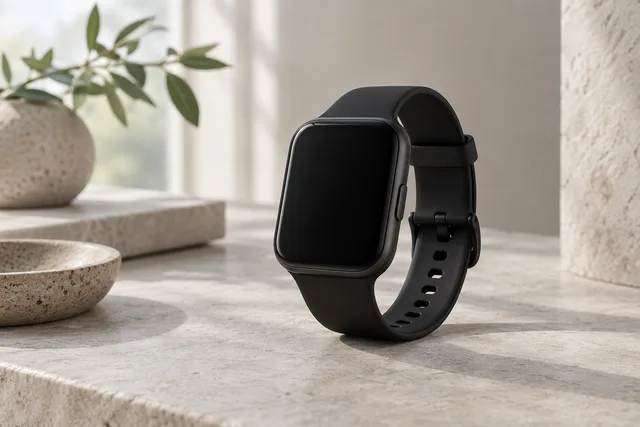
Should I upgrade my Apple Watch? Quick check by model
Pick your current Apple Watch and see what you actually gain by moving to a newer Series or Ultra, based on Apple’s published feature differences.
Decision tool based on Apple’s published feature lists and our Series 9 vs Ultra 2 research. Not a battery lab test. How we research · How links work
The short answer
If you own Series 9 or Ultra 2, staying put is usually the strong move unless a newer model adds a feature you can name. From SE or Series 7/8, the useful upgrades are Always-On (from SE), the S9-class chip, and Ultra’s battery and toughness if you need them.
Your current watch
What you already have vs what an upgrade buys
-
-
Upgrade map
| You have | Worth upgrading for |
|---|---|
| Series 7 |
|
| Series 8 |
|
| Series 9 |
|
| SE (2nd gen) |
|
| Ultra (1st gen) |
|
| Ultra 2 |
|
Related guide
For a full Ultra vs Series breakdown see Series 9 vs Ultra 2.
Common questions
Do I need to upgrade every year?
Usually no. Apple Watch gains are biggest when you jump two or more generations, or when you move from SE to a Series/Ultra for Always-On and sensors.
Where do these feature lists come from?
From Apple’s published product pages and our Series 9 vs Ultra 2 guide. We are not claiming hands-on battery tests.
What about Series 10 or newer?
If you already own Series 9 or Ultra 2, read Apple’s comparison for the exact new model before buying. This tool focuses on the common “skip a year” decision from S7–Ultra 2.