Wi-Fi extender vs mesh: which fix matches your dead zones?
Choose an extender for one weak room, or mesh for whole-home coverage. Decision guide from maker guidance - not a lab test of any kit.
Research guide based on published sources, not hands-on testing. Our methodology · How links work
The short answer
Buy a Wi-Fi extender (or a wired access point) when one room is weak and the rest of the home is fine. Buy mesh when several rooms or floors are weak, especially through brick, concrete or plaster. If Wi-Fi is slow even next to the router, neither product will help - fix the modem or plan first.
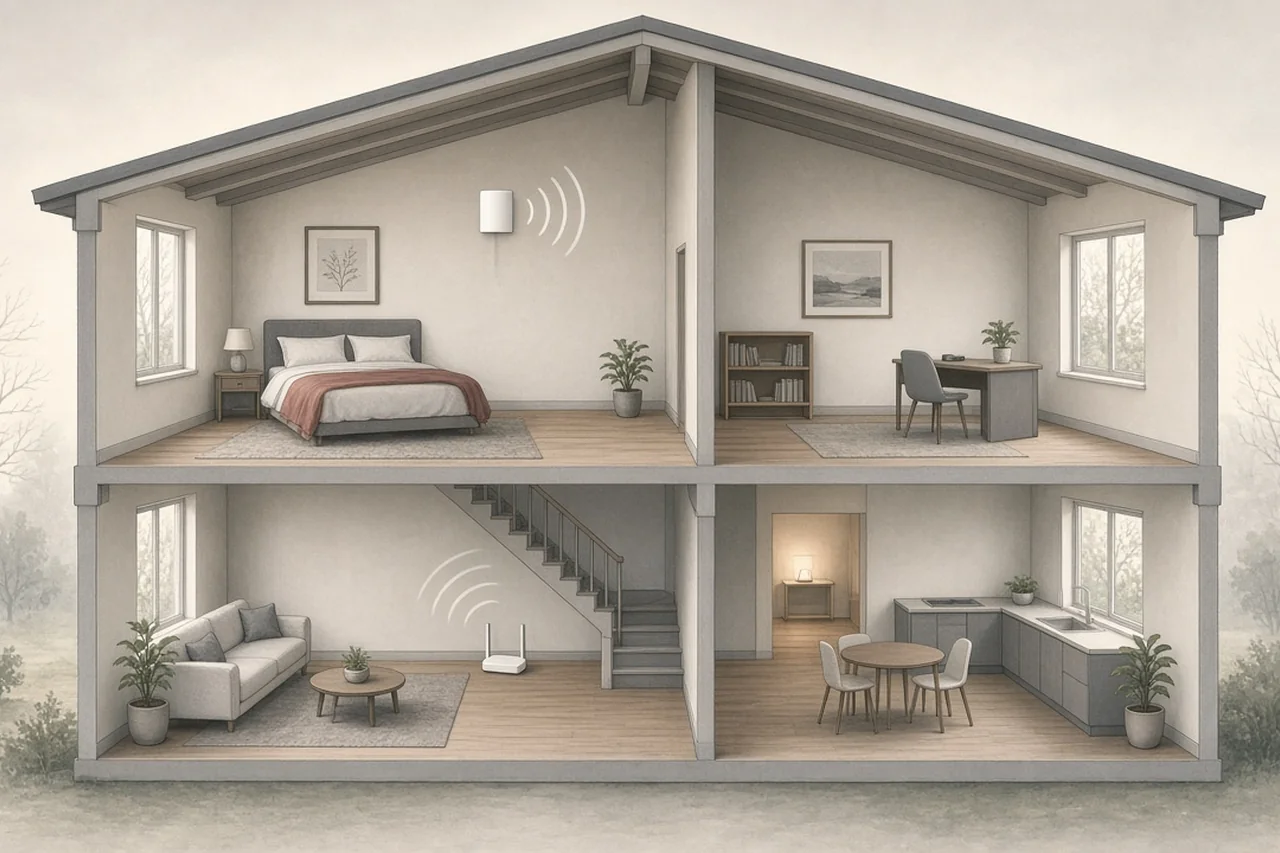
Use the interactive Do I need mesh Wi-Fi? check if you want the four-question path. This page explains the same decision in prose.
Extender: the one-room fix
An extender rebroadcasts the router’s signal toward a weak spot. It is usually cheaper than mesh and fine when:
- One bedroom, garage or office is weak
- The rest of the home already has a solid signal
- You can place the extender halfway between the router and the dead zone (not in the dead zone itself)
Trade-offs: many extenders create a separate network name, and wireless backhaul cuts throughput. A wired access point (Ethernet to a second AP) beats a wireless extender when you can run cable.
Mesh: the whole-home fix
Mesh uses several nodes that share one network name and hand devices off as you walk. Maker guidance (TP-Link, eero) points to mesh when:
- Several rooms are weak
- You have multiple floors
- Walls are brick, concrete, plaster or stone
- You are tired of separate extender SSIDs
Start with two units. Add a third only if a far room stays weak. Wire the nodes with Ethernet when you can - wired backhaul is more reliable than wireless.
Decision table
| Situation | First move |
|---|---|
| Slow next to the router | Test on Ethernet; call provider - do not buy mesh yet |
| One weak room | Move router centrally / raise it; then one extender or wired AP |
| Small open-plan home, old router | One current Wi-Fi 6/7 router |
| Large home, several floors, dense walls | Mesh (wire nodes if possible) |
Sources: TP-Link: router vs mesh, eero: add mesh to an existing router.
Next step
Run the mesh check. If it points to mesh, compare pack size on the systems in Fix slow Wi-Fi and mesh routers.
FAQ
Is mesh always better than an extender?
No. Mesh costs more and adds another system to manage. For a single weak spot, TP-Link and similar makers still point people at a better router placement or one extender before a full mesh kit.
Will mesh make my internet faster?
Only up to what your plan and modem already deliver. Mesh improves coverage inside the home. Speed-test next to the router on Ethernet or Wi-Fi; if that is slow, call the provider before buying mesh.
Can I keep my provider’s gateway?
Often yes. eero documents running beside an existing modem or gateway. Some providers restrict third-party routers - check their rules and put the gateway in bridge mode only when they allow it.
Product details
Specifications below are manufacturer claims. Availability, regional versions and prices can change; check the exact model before buying.
eero Pro 7
eero's tri-band Wi-Fi 7 mesh router, usable as the main router or as an extender in an eero network.
- Wireless standard
- Tri-band Wi-Fi 7 (2.4, 5 and 6 GHz), BE10800 rating
- Ethernet
- Two auto-sensing 5 GbE ports per unit
- Coverage
- Up to 2,000 sq ft per unit on the shop page (support page lists up to 2,500 sq ft)
- eero store price
- $299.99 one-pack, $549.99 two-pack, $799.99 three-pack (checked 16 Oct 2026)
Coverage figures are maker estimates and depend on walls and layout. A 6 GHz connection needs a device that supports Wi-Fi 6E or 7.
Manufacturer detailsNetgear Orbi 770 (RBE772 two-pack)
A Wi-Fi 7 mesh system with multi-gig wired backhaul support.
- Wireless standard
- Tri-band Wi-Fi 7
- Wired connections
- 2.5 Gig internet port and support for 2.5 Gig wired backhaul
- Two-pack coverage
- Two-pack coverage advertised as up to 5500 square feet
The quoted coverage applies to the two-pack and depends on your layout. Advertised aggregate Wi-Fi speed is not the speed one device will necessarily receive.
Manufacturer details