How many HDMI ports do I need?
Count consoles, stick, soundbar and PC, then see whether a 3-port, 4-port or AV-receiver setup fits - including the eARC port many people forget.
Planning tool based on common living-room setups. Always confirm port bandwidth in your TV’s quick-start guide. How we research · How links work
The short answer
Count every device you will leave plugged in, then add one for the soundbar on eARC if you use one. Most mixed gaming + movie homes need four inputs; two high-bandwidth ports are enough only if you hot-swap or use a switch/AVR. Midrange TVs often give you four jacks but only two full-speed ones - check the QSG.
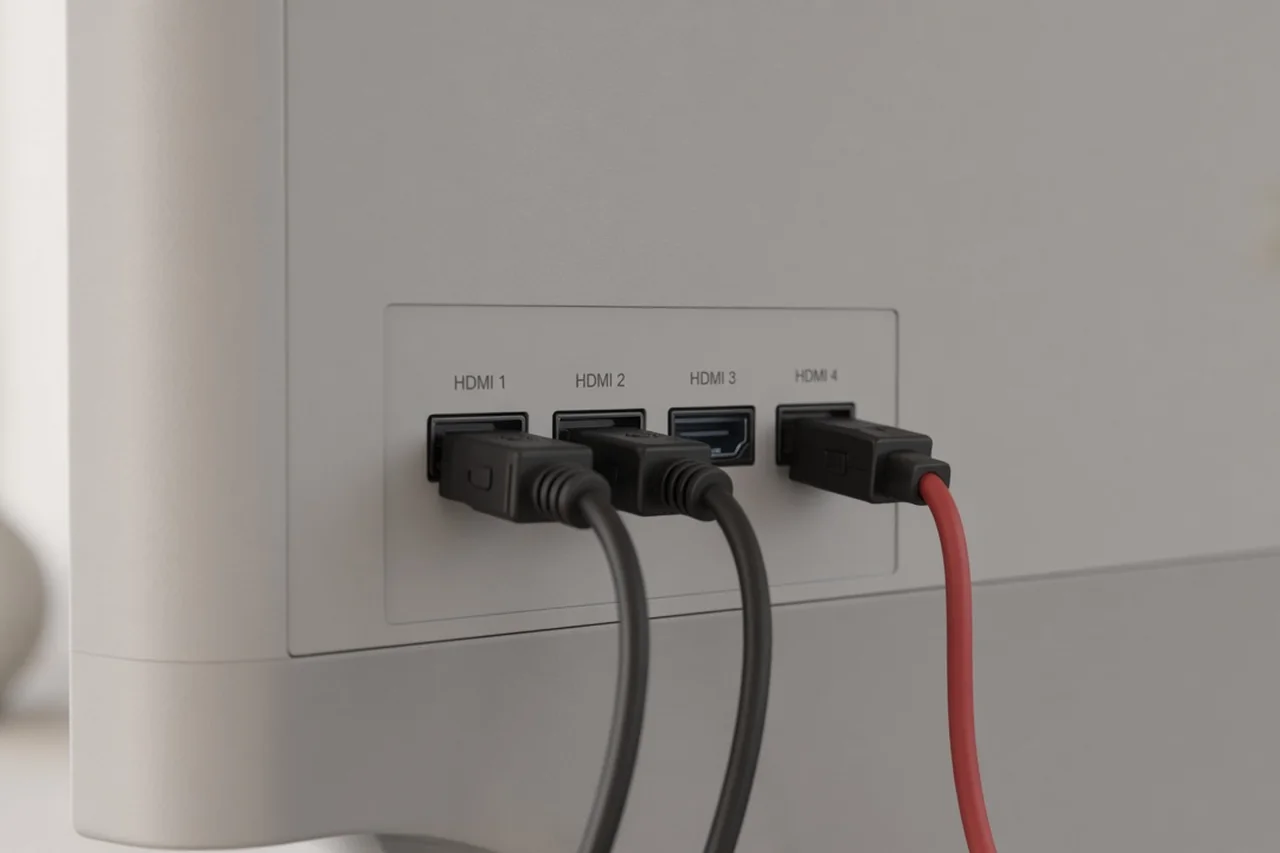
Count your ports
Adjust the counts. The result updates as you go. Nothing is stored.
You need about 4 HDMI inputs
Reserve the eARC port for audio. Prefer a TV that documents at least two full-bandwidth ports if you game in 4K/120Hz+.
Rules of thumb
- 3 ports can work for TV + soundbar + one console if you unplug the stick when gaming.
- 4 ports is the usual comfort zone for console + stick + soundbar + spare.
- AVR or switch is the clean fix when you own more than four always-on devices.
Bandwidth traps
Port count is not port speed. TCL’s QM7L US page, for example, lists four HDMI 2.1 inputs but rates HDMI 1-2 for 4K@144Hz and HDMI 3-4 for 4K@60Hz. Plan gaming PCs and current consoles on the full-speed ports. See QM6K vs QM7L and best budget 4K TV.
Typical setups
| Setup | Typical ports needed | Watch for |
|---|---|---|
| TV + soundbar + one stick | 2 to 3 | eARC on the soundbar port |
| Above + one console | 3 to 4 | Console on a full-bandwidth port |
| Two consoles + stick + soundbar + PC | 5+ or AVR/switch | Do not assume all four TV jacks are full speed |
Next step
After you know the port count, pick size with the TV size calculator, then compare midrange sets in QM6K vs QM7L or the budget 4K TV guide.
Common questions
Do all HDMI ports on a TV run at the same speed?
No. Many midrange TVs label four HDMI inputs but only one or two support full 4K/120Hz or 4K/144Hz. Read the quick-start guide for the exact model: ports 3-4 are often limited to 4K/60Hz.
Does a soundbar need its own HDMI?
Usually yes if you use eARC/ARC. Plan one HDMI for the soundbar (the eARC port), then count consoles, a streaming stick or cable box, and a PC separately.
Can an HDMI switch solve a shortage?
A quality switch or AV receiver can share one high-bandwidth TV input across devices you do not use at once. It adds another box and another remote - fine for a static living-room stack, awkward for frequent hot-plugging.